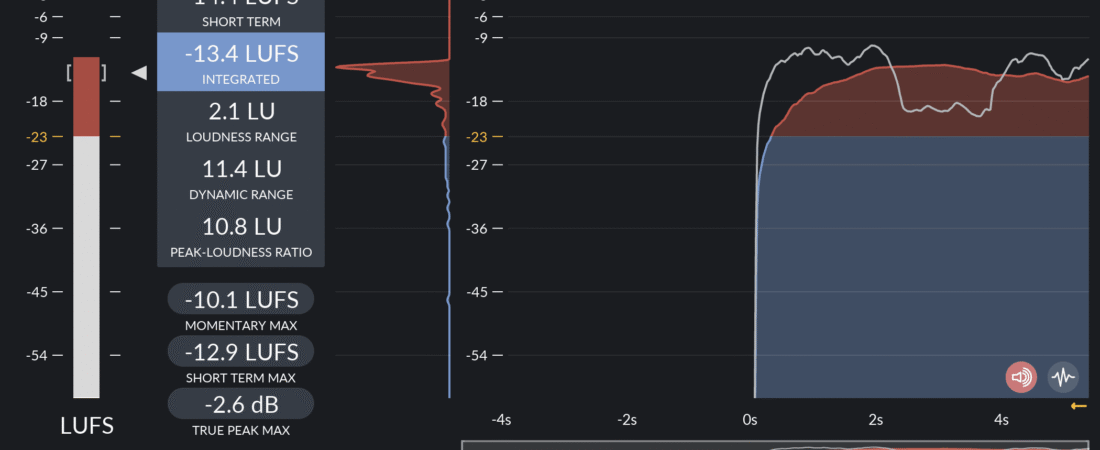
When mastering digital audio files for commercial release on streaming services like Apple Music, Spotify, and Tidal, setting your peak limiter to 0.0 dBFS is a recipe for distortion. This guide explains inter-sample clipping and how True Peak metering preserves clean transcodings.
Why Inter-Sample Peaks Occur
Digital audio consists of discrete samples. When a DAC (Digital-to-Analog Converter) or lossy AAC/OGG encoder reconstructs the smooth analog waveform between consecutive samples, the continuous analog curve can rise above the sample values. If your digital samples hit 0.0 dBFS, the reconstructed analog peak will clip above 0 dB, introducing harsh digital distortion.
Setting a True Peak Ceiling
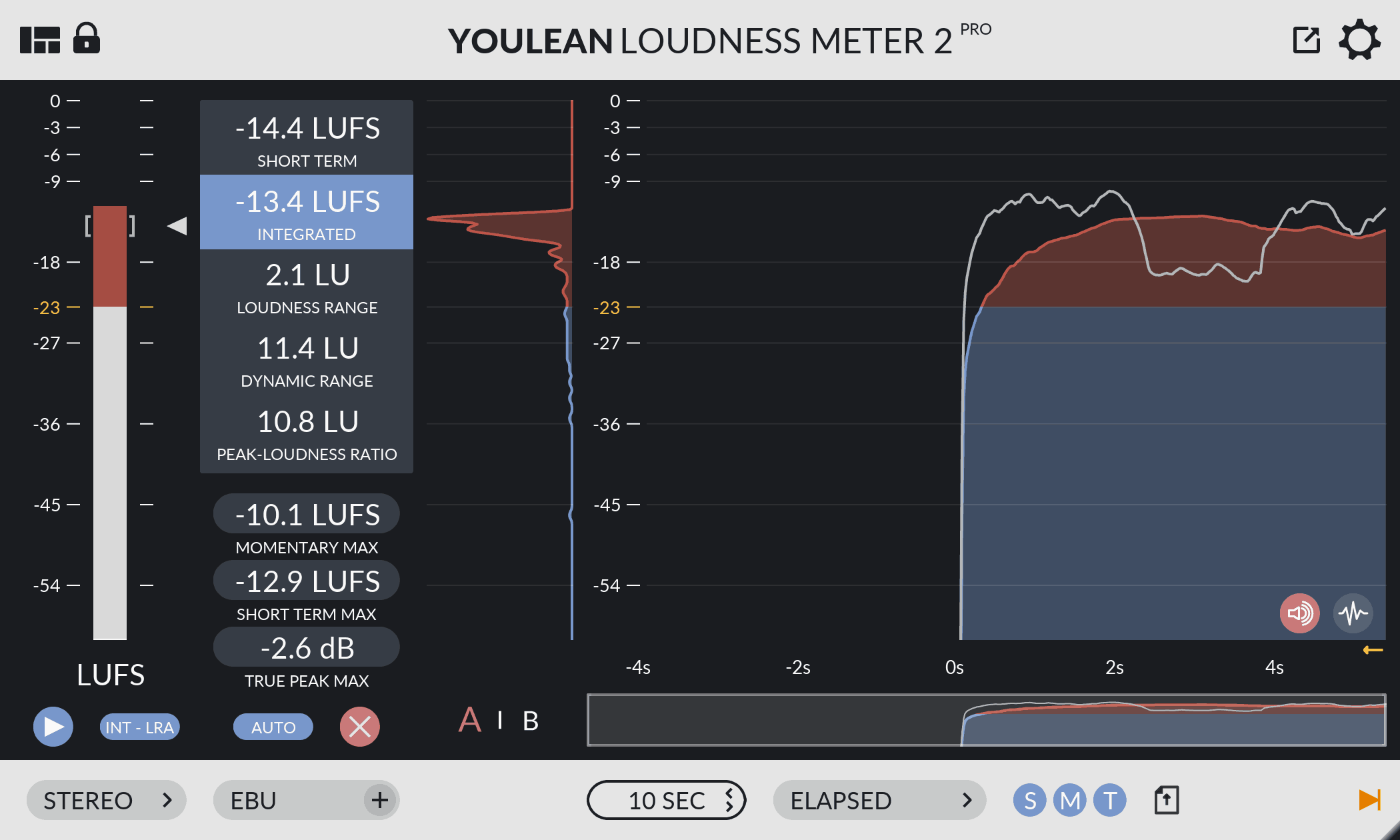
To eliminate inter-sample distortion, set your True Peak Limiter ceiling to -1.0 dBFS True Peak (or -0.5 dBFS True Peak minimum). This leaves adequate headroom for lossy encoder filters to process transients without clipping.
Official Sources & References
- Youlean – Official True Peak & Loudness Metering Documentation
- Audio Engineering Society (AES) – Streaming Audio Headroom Recommendations